Smartphone customization has become more exciting than ever. From colorful themes to animated backgrounds, users love making their phones look unique. One of the most popular and eye-catching trends today is the Transparent Screen and Live Wallpaper. This feature creates an illusion that your phone screen is transparent, making it look modern, stylish, and futuristic.
In this article, we will explain what a transparent screen and live wallpaper is, how it works, its benefits, how to use it on your smartphone, and important things to keep in mind. If you want to give your phone a fresh and unique look, this guide is for you.
What Is Transparent Screen and Live Wallpaper?
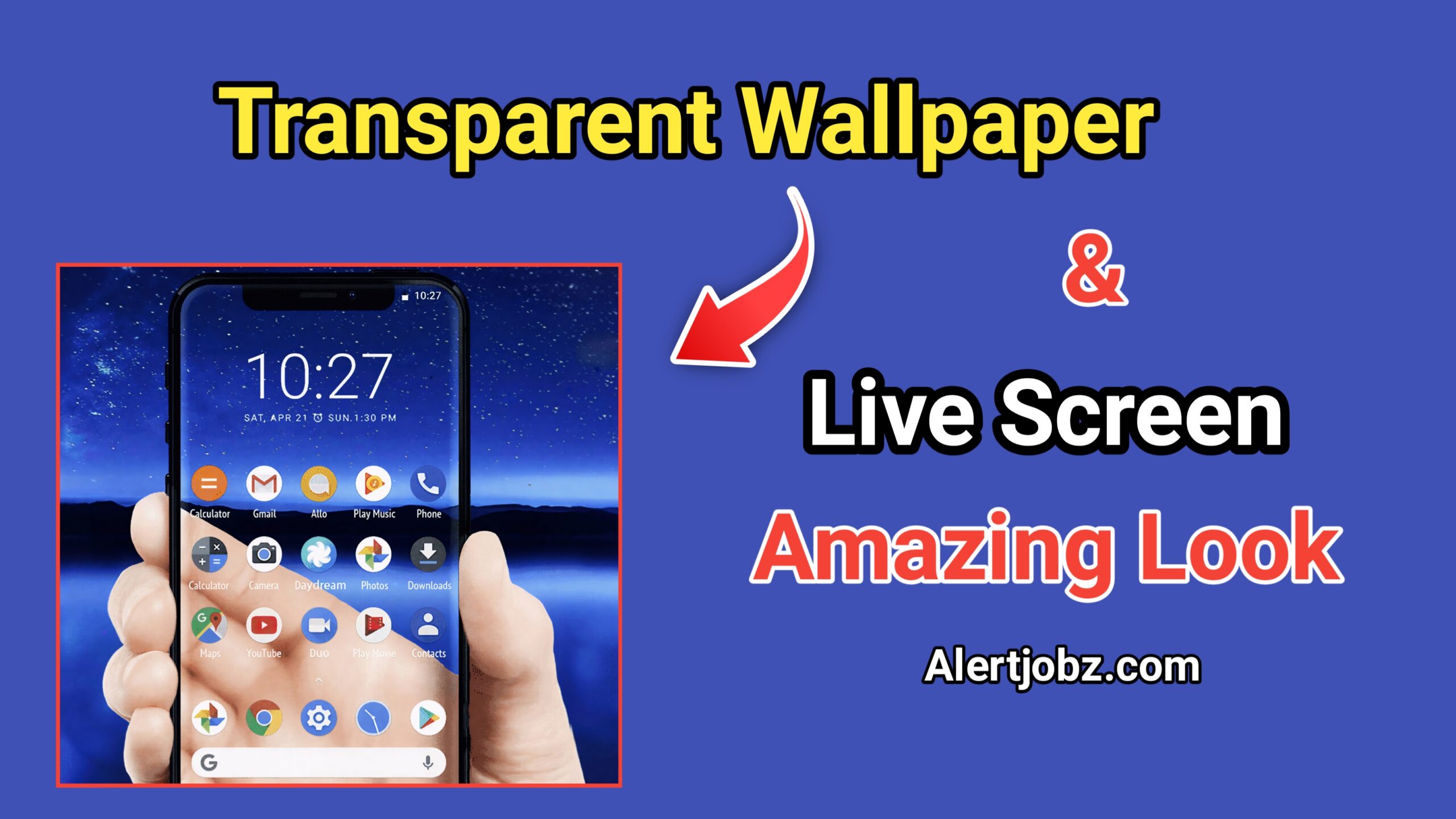
A Transparent Screen and Live Wallpaper is a special type of wallpaper app that uses your phone’s camera to show the background behind your device on the screen. This creates an illusion that your smartphone screen is completely transparent.
Instead of showing a normal wallpaper, the app displays real-time camera output as your background. When combined with live wallpaper effects, icons and apps appear to float on a transparent surface, making your phone look very cool and futuristic.
How Does a Transparent Screen Wallpaper Work?
Transparent screen wallpaper apps work by accessing your phone’s rear camera. Here’s how it functions:
- The app turns on the back camera
- The camera feed is displayed as your wallpaper
- App icons appear on top of the live camera view
- The screen looks see-through when you move your phone
It’s important to understand that the screen is not truly transparent. It is only a visual effect created using the camera, but the illusion feels very realistic.
Why Are Transparent Screen Live Wallpapers So Popular?
Transparent screen wallpapers have gained popularity for several reasons:
- Unique and Futuristic Look
These wallpapers instantly make your phone stand out. The transparent effect looks modern and gives a high-tech feel.
- Easy Customization
You don’t need advanced settings or technical skills. Most apps work with just one tap.
- Fun and Interactive
Since the wallpaper uses the live camera, the background changes as you move your phone, making it more interactive than static wallpapers.
- Social Media Trend
Many users love showing transparent screen effects in videos and photos, making it a popular trend on social platforms.
Features of Transparent Screen and Live Wallpaper Apps
Most transparent screen wallpaper apps offer useful and fun features, such as:
- Live camera wallpaper support
- Front and back camera options
- Smooth and real-time display
- Battery-friendly optimization
- Simple user interface
- Compatibility with most Android devices
Some apps also allow users to adjust brightness, zoom level, and orientation for a better experience.
How to Use Transparent Screen and Live Wallpaper on Your Smartphone
Using a transparent screen live wallpaper is very simple. Follow these basic steps:
Step 1: Download a Transparent Screen App
Search for a Transparent Screen and Live Wallpaper app on your app store and install it.
Step 2: Open the App
Launch the app and allow required permissions, such as camera access.
Step 3: Choose Camera Mode
Select rear camera for a realistic transparent effect. Some apps also offer front camera options.
Step 4: Set as Wallpaper
Tap on “Set Wallpaper” and apply it to your home screen or lock screen.
Step 5: Enjoy the Transparent Effect
Your phone will now look transparent, and icons will float over the live background.
Advantages of Transparent Screen Live Wallpaper
Using a transparent screen wallpaper comes with several benefits:
- Makes your phone look stylish and modern
- Adds a fun and creative touch
- No root or advanced settings required
- Easy to enable or disable anytime
- Works well with most Android launchers
It’s a great choice for users who love customization and visual effects.
Things to Keep in Mind Before Using Transparent Screen Wallpaper
While transparent screen wallpapers look amazing, there are a few important points to consider:
Battery Usage
Since the camera runs continuously, battery usage may increase. It’s recommended to use it for short periods.
Privacy Awareness
Camera access is required for the effect. Always use trusted apps and review permissions carefully.
Performance
On low-end devices, live wallpapers may cause slight lag. If you notice performance issues, you can switch back to a static wallpaper.
Is Transparent Screen and Live Wallpaper Safe to Use?
Yes, transparent screen live wallpaper apps are generally safe if downloaded from trusted sources like Google Play Store. Always check app reviews, ratings, and permissions before installing. Avoid apps that ask for unnecessary access beyond camera and wallpaper settings.
Using these apps responsibly ensures a fun and safe experience.
Who Should Use Transparent Screen Live Wallpaper?
This type of wallpaper is perfect for:
- Users who love phone customization
- People who enjoy futuristic designs
- Content creators looking for unique visuals
- Android users wanting something different
If you like experimenting with new looks, transparent screen wallpapers are worth trying.
Conclusion
Transparent Screen and Live Wallpaper is a creative and exciting way to transform the appearance of your smartphone. While it doesn’t make your screen truly transparent, the realistic illusion created by live camera wallpaper is impressive and eye-catching.
With easy setup, stylish visuals, and wide compatibility, transparent screen live wallpapers are a great option for anyone looking to refresh their phone’s look. Just remember to use them wisely to manage battery life and privacy.
If you want your smartphone to look modern, unique, and futuristic, trying a transparent screen and live wallpaper is definitely a great idea.