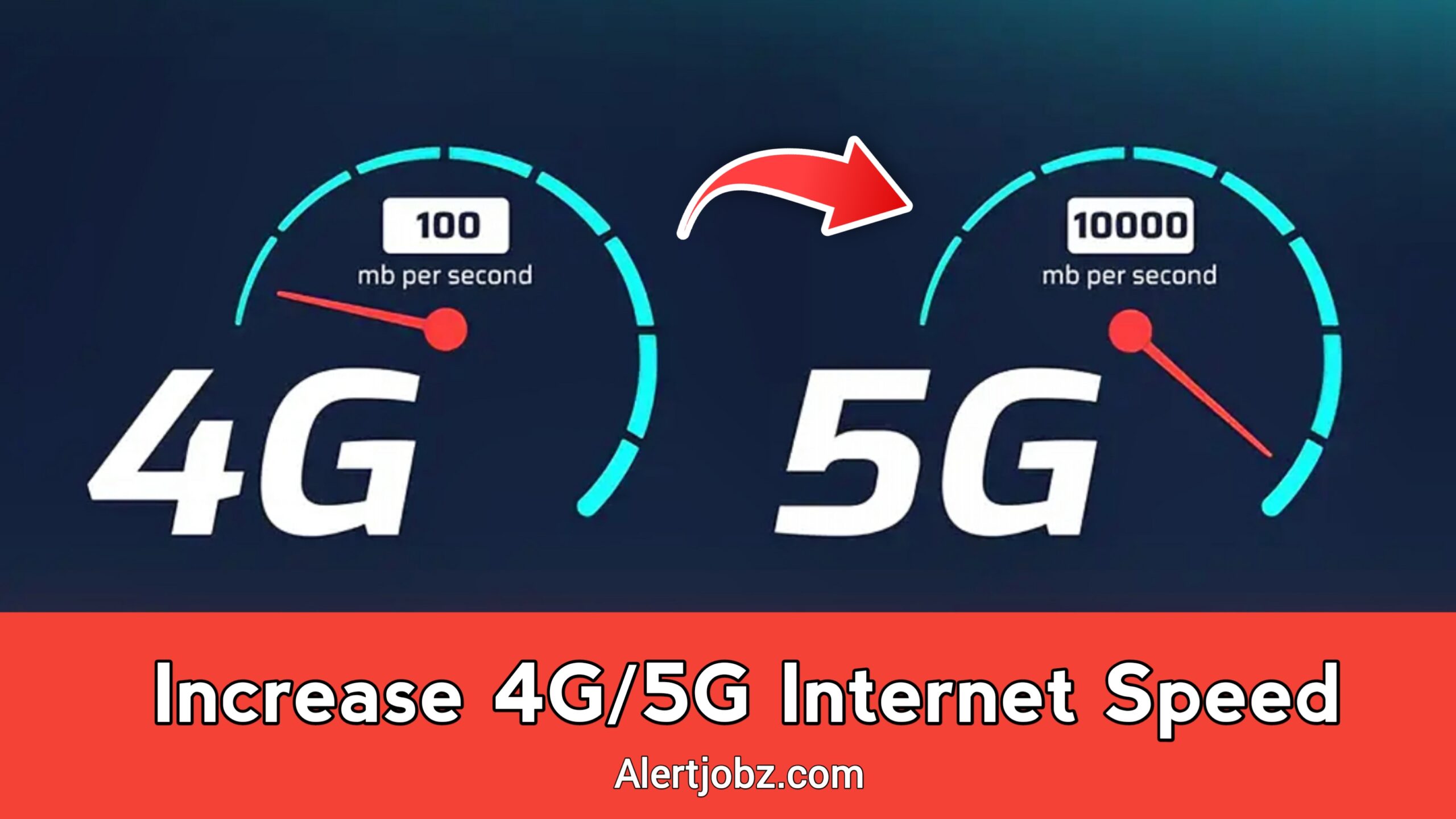
Slow internet speed is one of the most frustrating problems Android users face today. Even when you have a 4G or 5G data plan, your phone may still switch between 2G, 3G, and LTE networks. This constant network switching can reduce internet speed, cause call drops, and interrupt online activities. The good news is that you can force LTE only (4G/5G) mode on Android to enjoy faster and more stable internet performance.
In this article, we’ll explain what Force LTE Only means, how it works, its benefits, and how you can easily enable it on your Android phone.
What Is Force LTE Only on Android?
Force LTE Only is a feature or method that allows your Android phone to stay connected only to LTE (4G) or 5G networks. Instead of automatically switching to slower networks like 2G or 3G, your device locks onto high-speed mobile data networks.
Normally, Android phones are set to “Auto” network mode, which means the system chooses the best available signal. However, in areas with weak coverage, your phone may keep jumping between networks, resulting in slower speeds. Forcing LTE Only helps avoid this issue.
Why Does Network Switching Reduce Internet Speed?
When your phone switches between different network types, it needs time to reconnect and stabilize the signal. This process can cause:
- Slow page loading
- Video buffering
- Online gaming lag
- Poor app performance
- Frequent disconnections
By locking your device to LTE or 5G, you ensure a more consistent data connection, which improves overall internet speed.
Benefits of Using Force LTE Only (4G/5G)
Using Force LTE Only mode offers several advantages, especially if you rely heavily on mobile data.
Faster Internet Speed
LTE and 5G networks are much faster than 3G or 2G. Locking your phone to these networks ensures better download and upload speeds.
Stable Network Connection
No more sudden drops in signal quality due to network switching. This is especially useful for streaming and online meetings.
Better Streaming and Gaming
High-speed internet improves video streaming quality and reduces lag in online games.
Improved Browsing Experience
Web pages load faster, and apps respond more smoothly.
How to Force LTE Only on Android
There are different ways to enable Force LTE Only on Android. The availability of these methods may vary depending on your phone brand and Android version.
- Using Phone Dial Code
Some Android devices support a hidden testing menu.
- Open the Phone app
- Dial *#*#4636#*#*
- Tap on Phone Information
- Find Set Preferred Network Type
- Select LTE Only or LTE/NR (for 5G)
This method works on many devices but not all.
- Using a Force LTE Only App
If the dial code doesn’t work, you can use third-party apps available on the Play Store. These apps provide a simple interface to lock your network mode.
Steps usually include:
- Install a trusted Force LTE Only app
- Grant required permissions
- Select LTE Only or 4G/5G mode
These apps are user-friendly and suitable for beginners.
- Through Network Settings (Limited Devices)
Some Android phones allow network locking directly from settings.
- Go to Settings
- Open Mobile Network
- Tap Preferred Network Type
- Choose LTE Only or 4G/5G
This option depends on your device and carrier support.
Important Things to Know Before Using Force LTE Only
While Force LTE Only has many benefits, there are a few things you should keep in mind.
Call Issues on Some Phones
On devices without VoLTE support, forcing LTE only may disable voice calls. Make sure VoLTE is enabled if required.
Network Coverage Matters
If LTE or 5G coverage is weak in your area, forcing LTE may result in no signal at all. In such cases, switching back to Auto mode is recommended.
Battery Usage
In some situations, locking to LTE may slightly increase battery consumption, especially in low-signal areas.
Is Force LTE Only Safe to Use?
Yes, Force LTE Only is generally safe when used correctly. It doesn’t harm your device or network, as it only changes network preferences. However, always use trusted apps and revert settings if you experience connectivity issues.
Who Should Use Force LTE Only?
Force LTE Only is ideal for:
- Users with strong 4G or 5G coverage
- People facing frequent network switching
- Gamers and streamers
- Users who rely on mobile data for work
If you want faster and more stable internet on Android, this feature is definitely worth trying.
Final Thoughts
Force LTE Only (4G/5G) on Android is a simple yet powerful way to increase internet speed and improve network stability. By preventing your phone from switching to slower networks, you can enjoy smoother browsing, better streaming, and a more reliable mobile data experience.
If you often struggle with slow internet despite having a 4G or 5G plan, enabling Force LTE Only could be the solution you’re looking for. Try it today and experience the difference in speed and performance on your Android device.